Try Google Maps — AI for your Google Business Profile listing now, no sign-up needed
Google Maps — AI for your Google Business Profile listing · Reply to reviews and keep your profile up to date
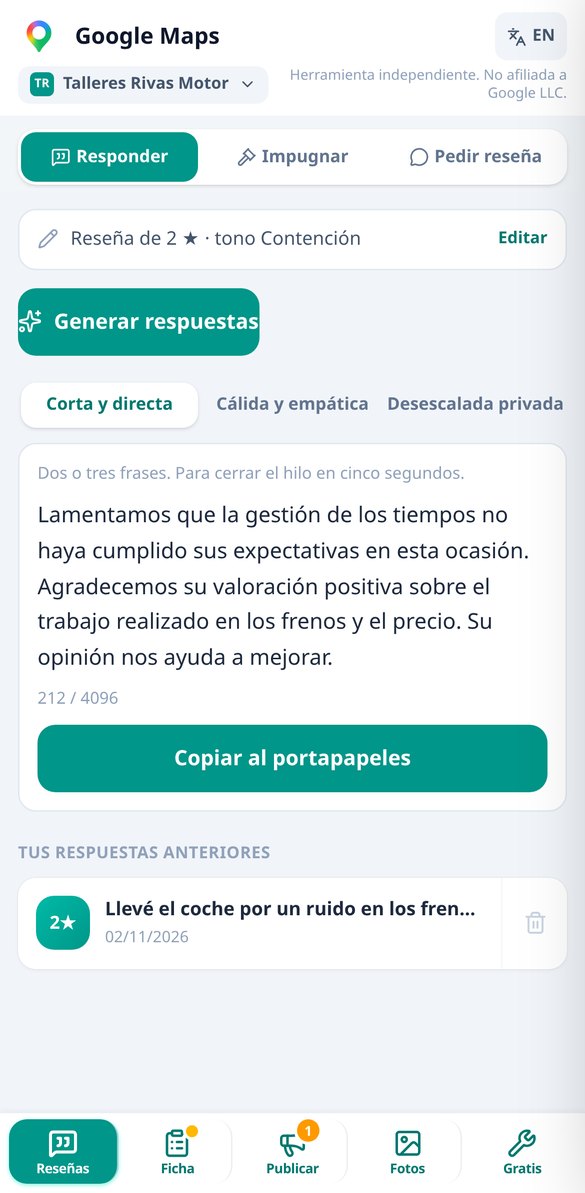
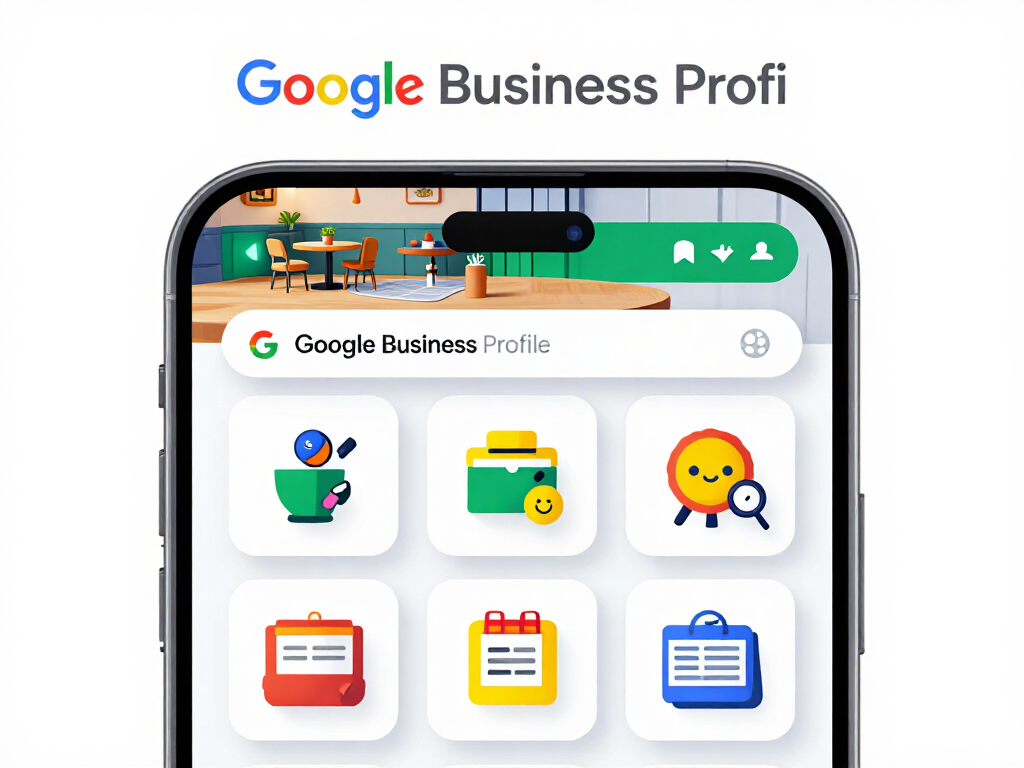
For local business owners and for whoever manages the profile: paste the review and get three replies ready to publish, along with the description, services, questions and photo sizes that Google accepts. You copy and paste; the app does not log into your account.
In the features that use AI, responses are generated by artificial intelligence and are not a substitute for professional advice.
Discover every feature in detail
Google Review Response Generator: 3 free responses without registration
Paste a Google review and get three ready-to-publish responses: short, empathetic, and private resolution. With a tone of your choice, response in the customer's language, and a validator that avoids admitting fault, offering money, or asking for deletion. First response without registration.
Try it free
How to respond to a 1 star review without comment (2 free responses)
One-star review without text on your Google listing: generates two ready-to-publish responses, crafted for future clients. With a switch for 'yes, it's my client', without accusing of falsehood and without requesting deletion. First generation without registration.
Try it free
Contest a False Google Review: Formal Claim Generator
Paste the fake review, choose the reason —conflict of interest, off-topic, or harassment— and get the formal claim for Google's appeal form, with the guideline cited by its name and the list of evidence.
Try it free
Google Business Profile Categories: free main category finder
Find your Google Business Profile category by typing as you speak: 122 local business categories, instant filtering with accents and synonyms, amber warning if secondary categories are from a different sector, and risk alert when changing sectors. Free and no registration required.
Try it free
Description for Google Business Profile: free generator of 750 characters
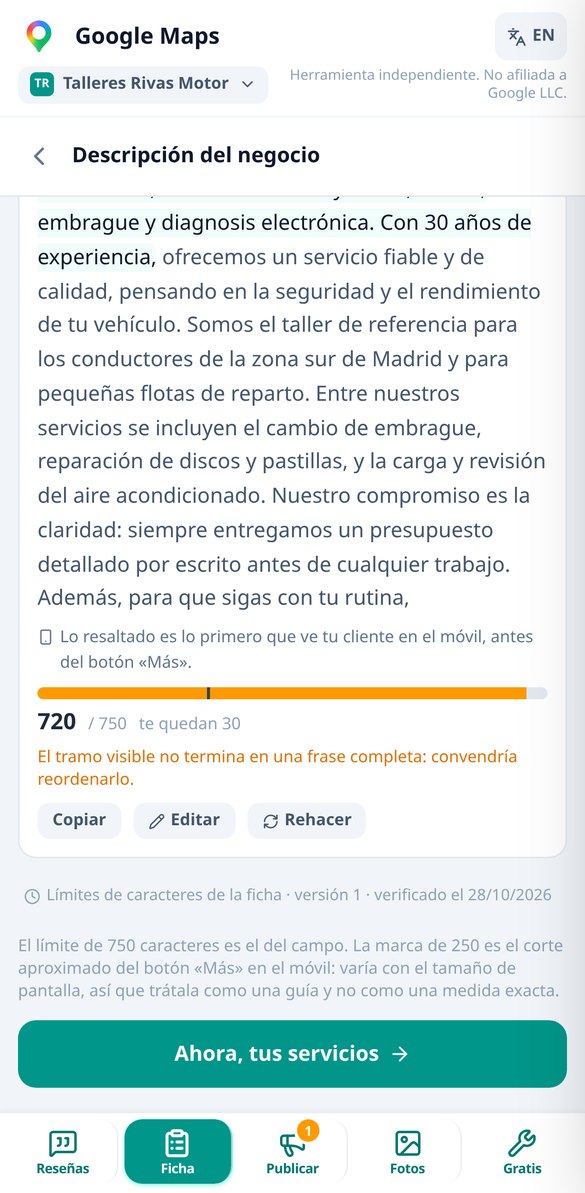
Generate three descriptions for your Google listing within the 750-character limit, with the first 250 —the only part visible on mobile before 'More'— highlighted, live counter, and a checker that removes links, prices, and position promises.
Try it free
Can my Google listing be suspended? Free risk checker
Mark the changes you plan to make to your Google listing and check before editing if the risk of suspension is extreme, high, or low, with the probable consequence and a plan that spaces the changes 72 hours. Free and no registration.
Try it free
Why Google rejects my post: free validator before publishing
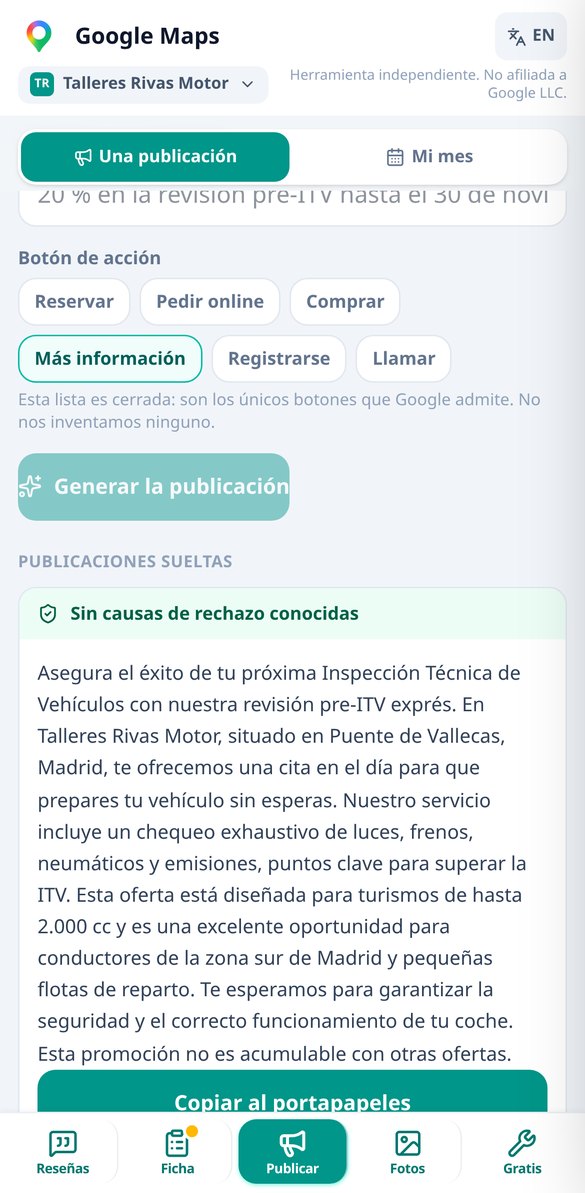
Paste the text of your Google Business Profile post and check for free if it contains any of the known rejection reasons: phone in the body, shortened links, excessive capitalization, too many emojis, or prohibited promises. With automatic fixing and no registration.
Try it free
Safe zone and photo dimensions for Google Business: frame before uploading
Frame your Google Business Profile photo with the marked safe zone and see live how it crops on mobile, in the carousel, and on the cover. Dimensions per slot, missing pixel alerts, and metadata removed. Free, no registration, and no photo upload.
Try it free
Remove EXIF metadata and GPS location from a photo before uploading it to Google
Prepare the photo for your Google Business Profile on mobile: crop to the photo slot, recommended dimensions, weight below the limit, and EXIF and GPS metadata removed. Before/after comparison and download without registration.
Try it freeWhat you write by hand every week, solved
情報に基づいた判断に必要なものがすべて揃っています。
Three replies per review, with the bilingual mirror
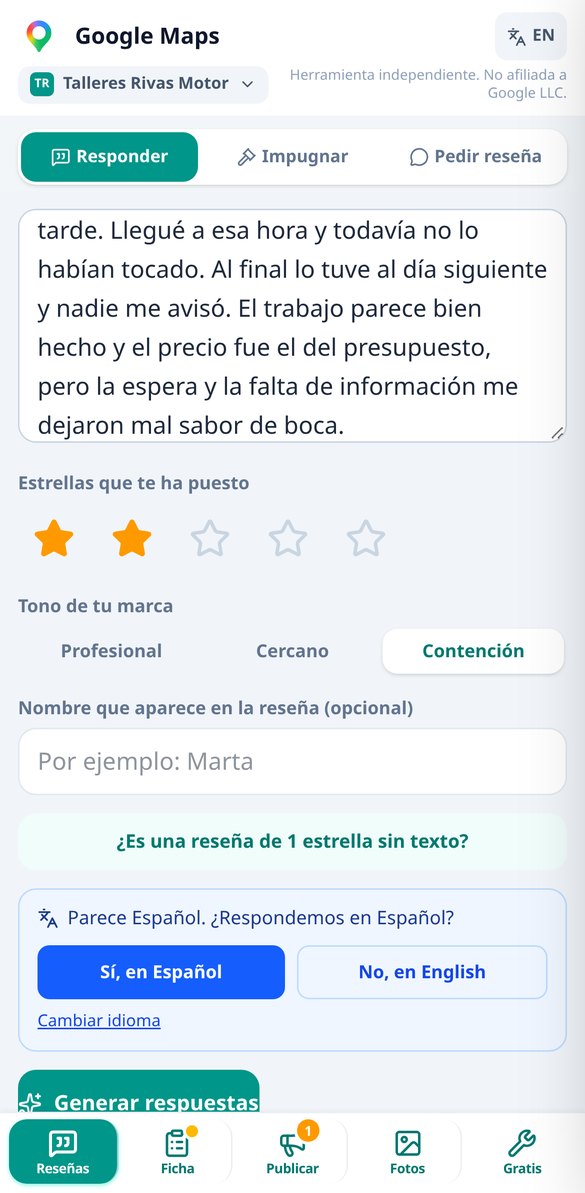
Short, empathetic and privately resolved, each with its own character counter and copy button. It includes the “1 star with no text” mode, that rating without a comment that Google does not remove: here the reply is not written for the person who rated you, but for the next customer who reads your profile, and two variants are provided. If the review comes in another language, you reply in the customer's language and see the translation into your language before publishing. It never admits fault, never offers money and never asks for the review to be deleted: that's in the prompt and validated on the server.

The entire profile, in order of impact
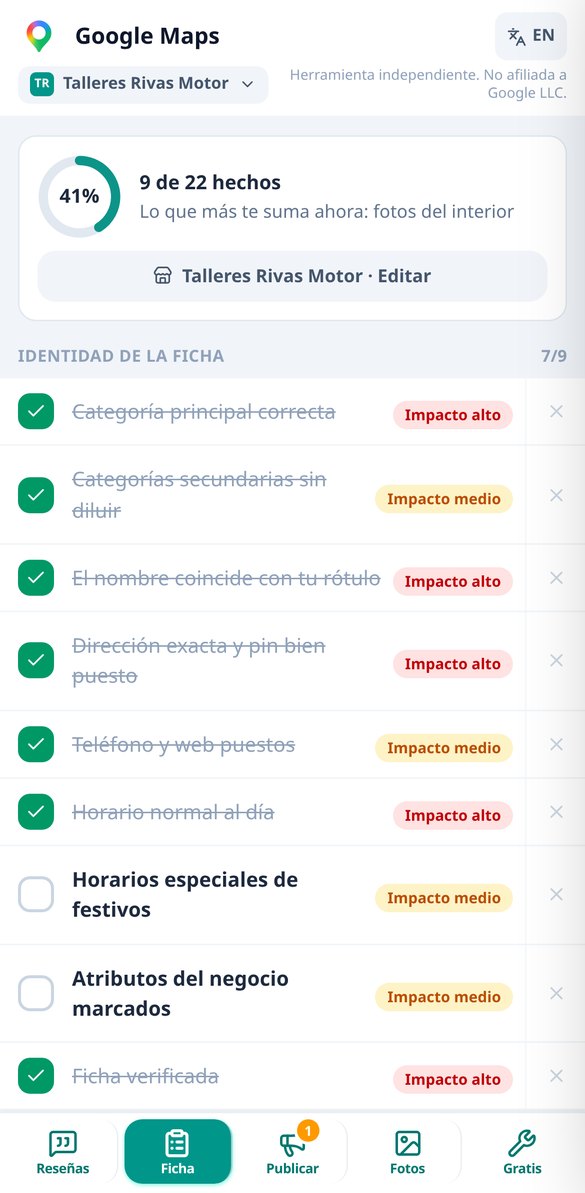
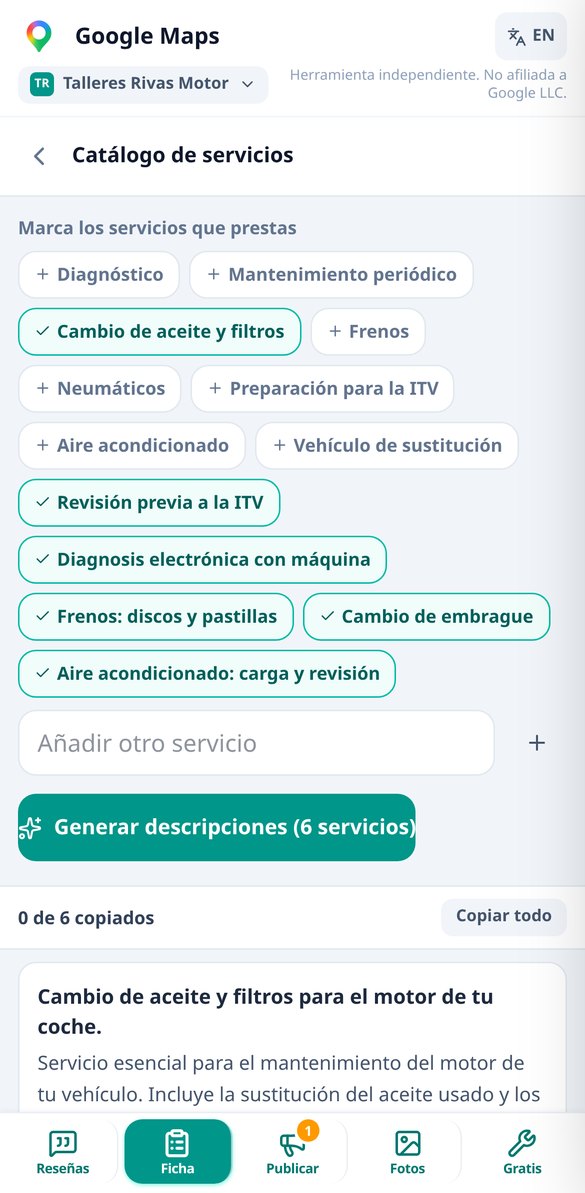
A 25-point checklist that works as a map, ordered by impact: primary and secondary categories chosen from the official catalog — never invented —, three description variants with the 250-character mark, which is the only thing visible on mobile before “More”, a service catalog card by card within its 300 characters, five questions with answers that you seed yourself, posts with the 6 call-to-action buttons that Google allows and a plan for 4 or 8 posts per month. Each tool returns to the checklist, so you don't get lost between screens.

Free tools that don't use AI
Search tool over 122 official categories, character counter for 9 different fields with the real cutoff mark for each one, a traffic light that classifies 12 typical profile changes before you make them — putting keywords in the name is the fast track to suspension — and gives you the order to make them in, with the 72-hour rule. The shield checks 13 known causes of a post being rejected (phone number in the text, shortened links, triple exclamation marks) and lets you fix or ignore them one by one. Framing with a safe zone and photo preparation — correct sizes and metadata removed — happen on your own phone, so the photo never leaves it. And the index of the 7 myths that don't work even if someone sells them to you, starting with geotagging photos. No sign-up and no limit.
From review to reply in three steps
登録する
数分でアカウントを作成して、プラットフォームを利用しましょう。
質問する
金融や投資についての相談内容を入力してください。
回答を受け取る
金融コンサルティングのAIアシスタントが必要な情報をその場で返します。
Frequently Asked Questions
Latest blog articles
Guides and news to get more out of it

Google has removed the Q&A from your listing: now an AI responds (and reads what you write)
Google removed Q&A from listings and now Ask Maps responds with AI: what is lost and which fields to correct this week.

How to Ask for Google Reviews in 2026 Without Getting Them Deleted: What is Now Prohibited
Since April 2026, Google prohibits tablets in-store, mentioning employees, incentives, and review gating. How to properly ask for reviews.